
Data Restore Software for NTFS File System Screenshots
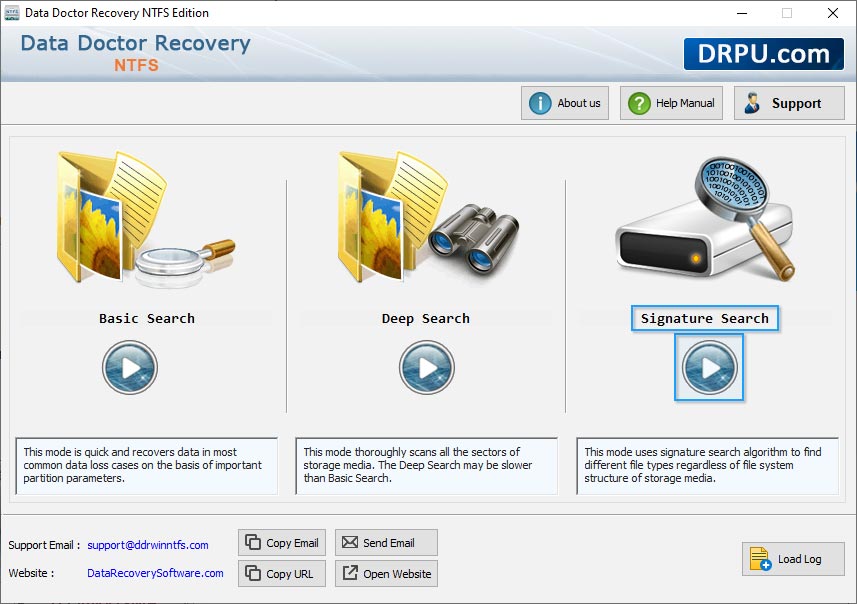
User can select wizard option like as Basic search, Deep search, Signature Search
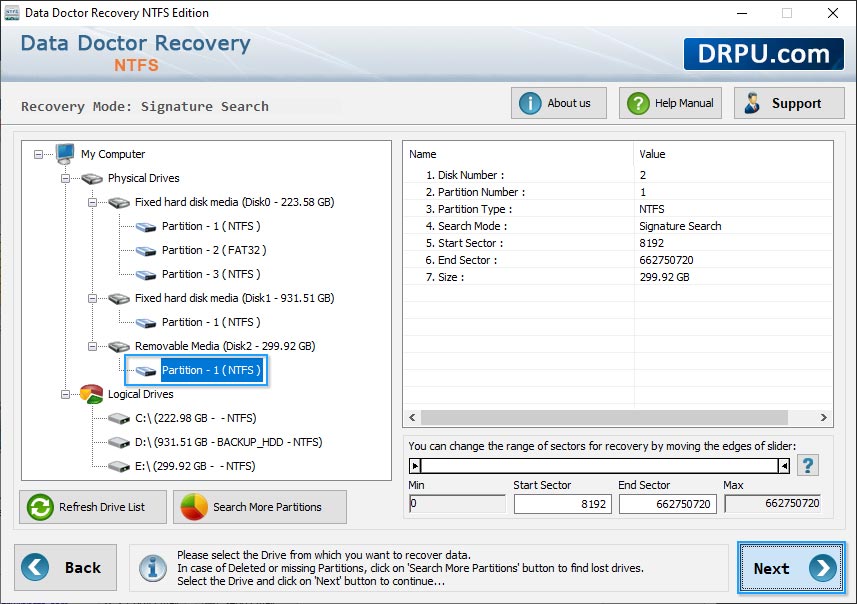
Select Logical Drive from left panel and then click on 'Next' button to continue.
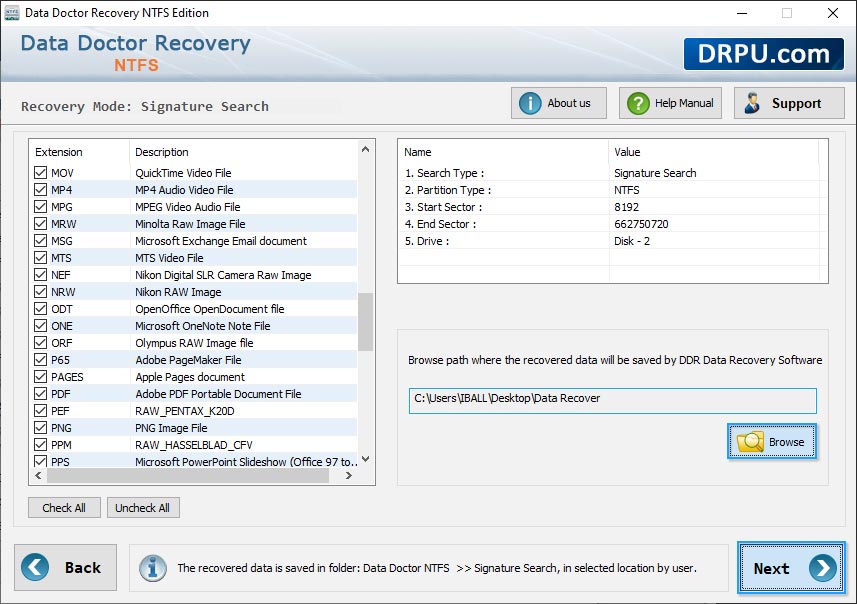
Browse the destination path where you want to save your recovered files.
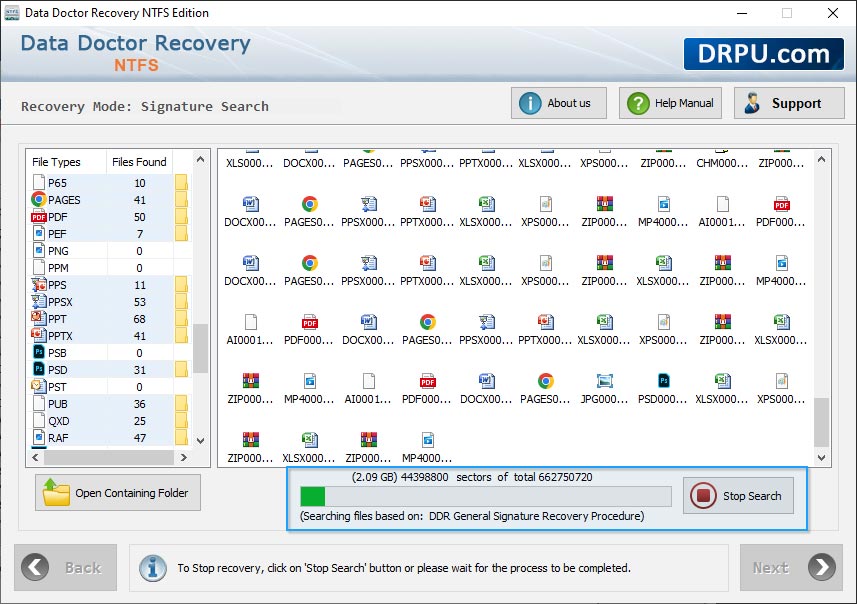
Progress bar to view current status of disk scanning process.
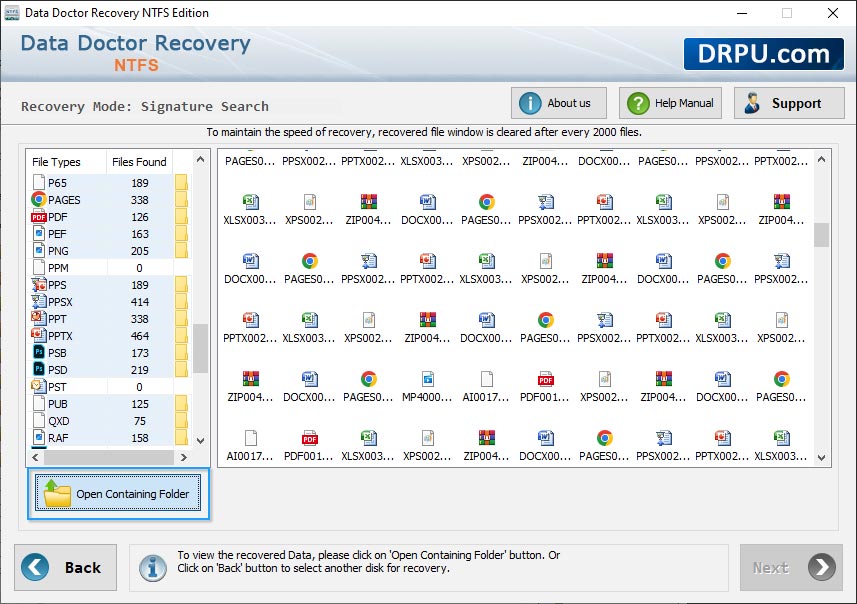
User acan use the open contaning folder select another disk for recovery.