
Data Restore Software for Android Devices Screenshots
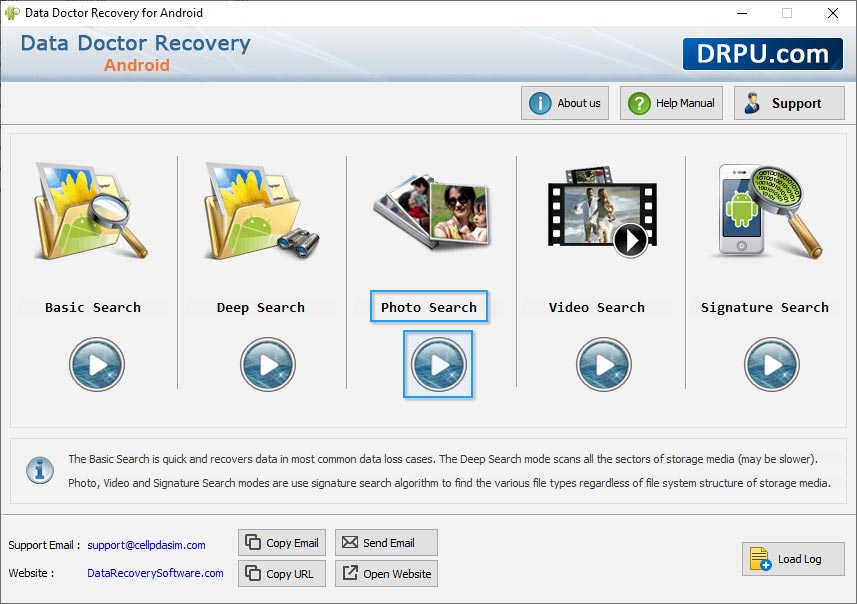
User can select wizard option like as Basic search, Deep search, photo search, video search and Signature Search
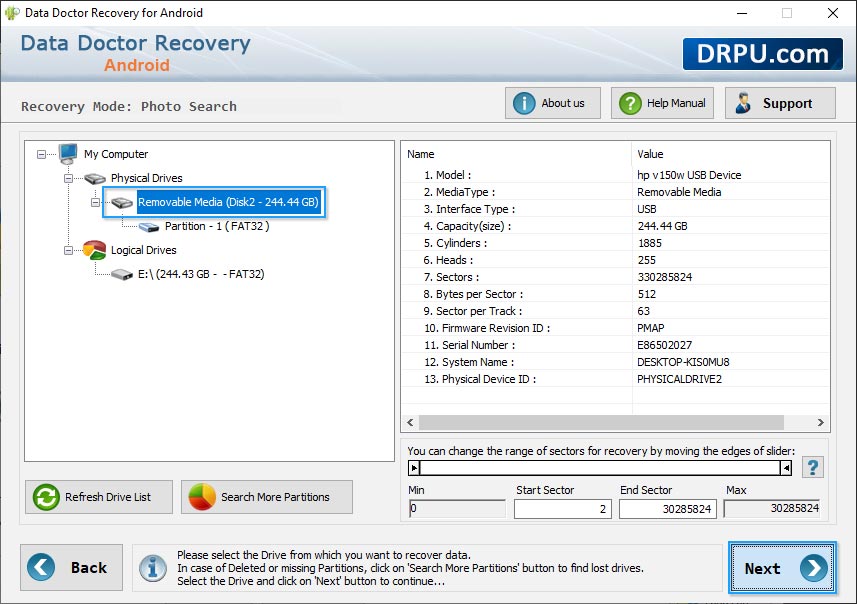
Select removable media (mobile phone) for recovery and details of device is shown at right side of screen.
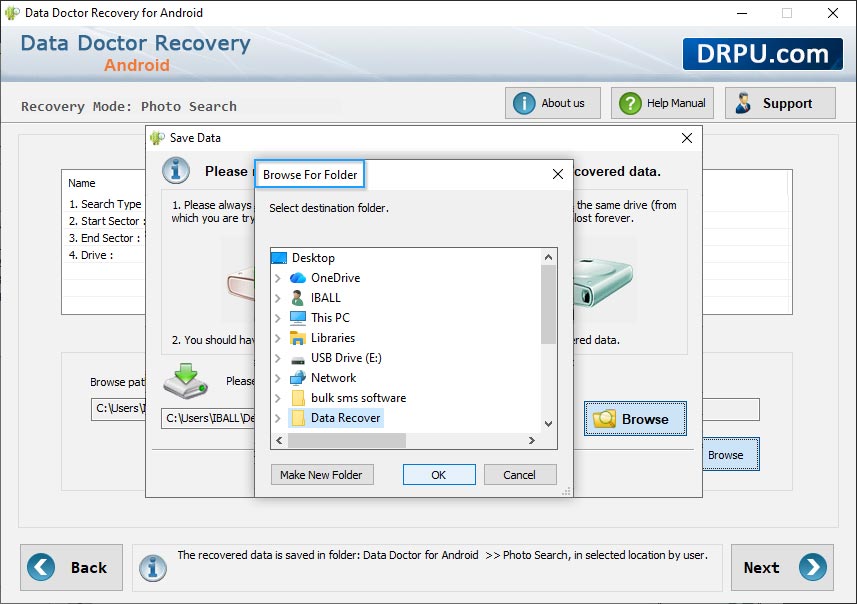
User can browse the recover folder and select the location file.
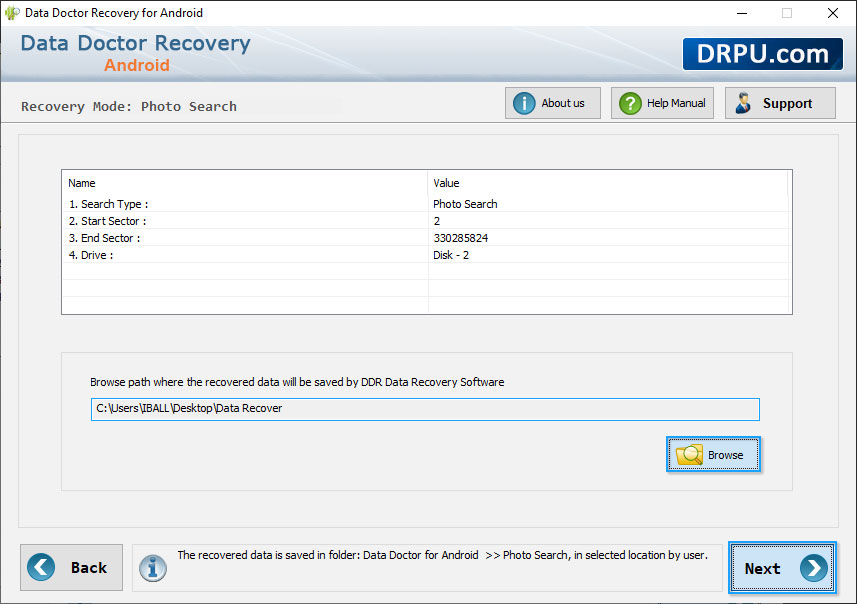
Browse the destination path where you want to save your recovered files.
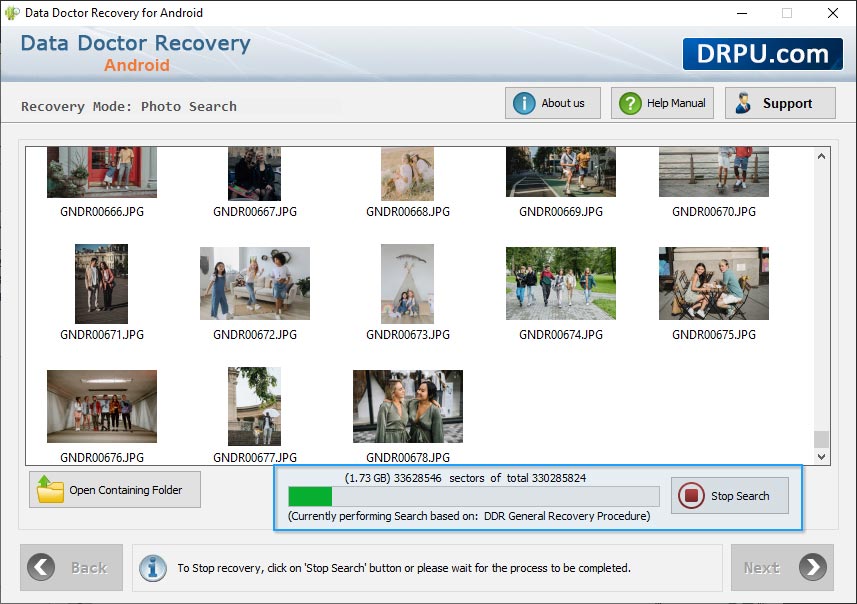
Currently performing disk scanning using General Recovery Process.
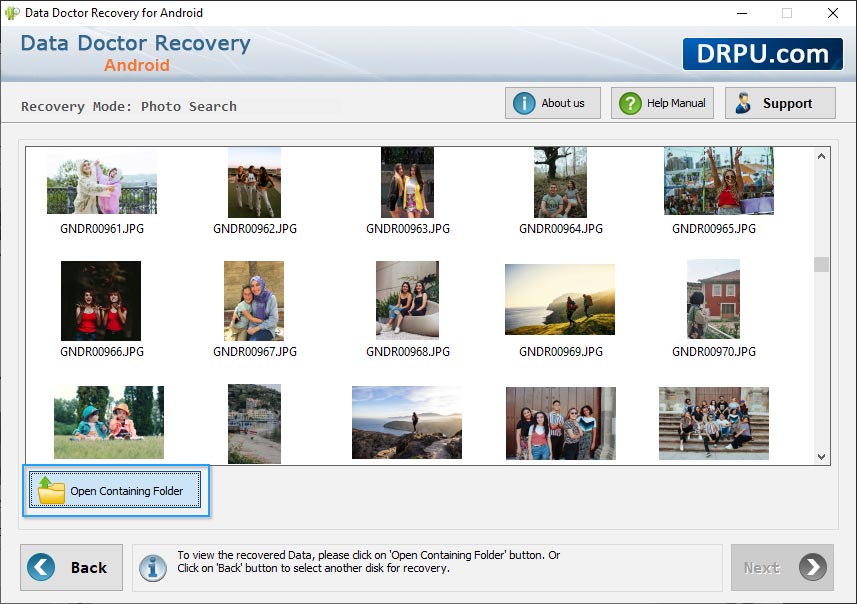
Click on “Open Containing Folder” to view recovered data.