Bulk SMS Software Professional Screenshots
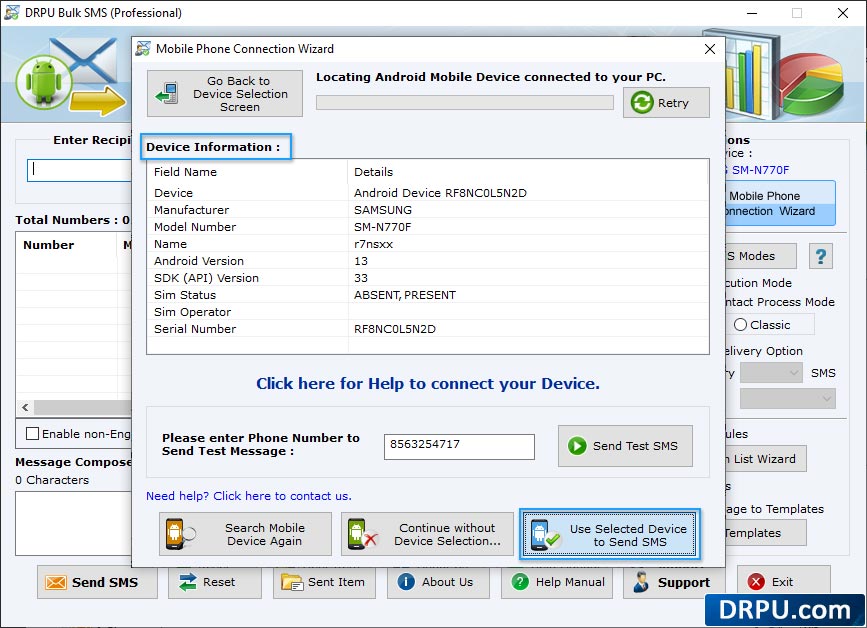
Wizard shows connected device

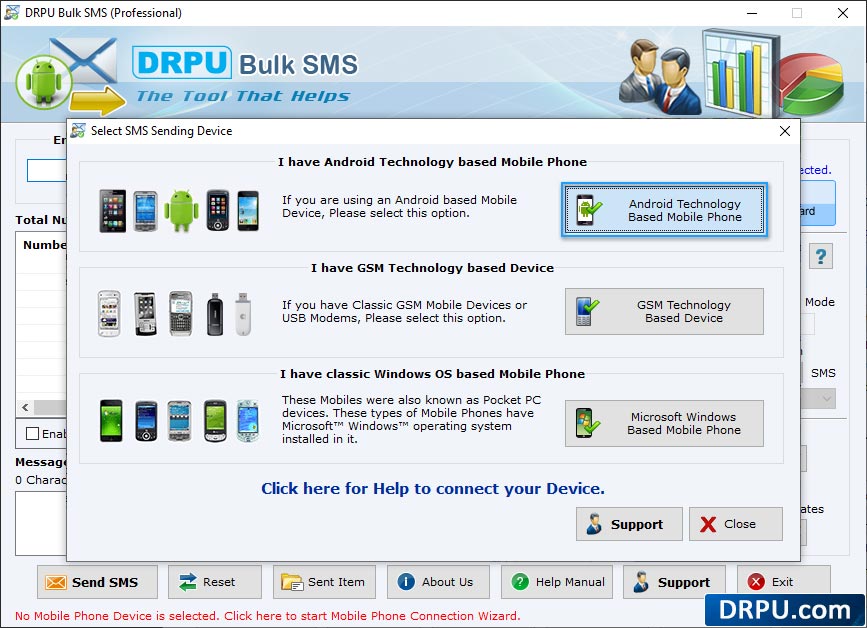
Select your mobile device type for sending bulk SMS. Here, we have selected 'GSM Technology Based Mobile Phone'.
Wizard shows connected device

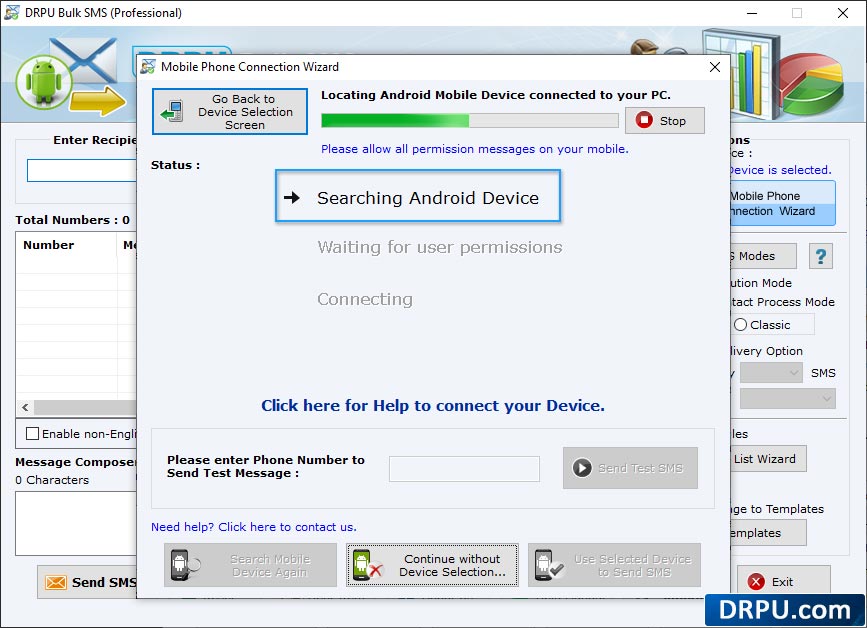
Wizard shows connected device list, select particular COM port to view corresponding device details like Port details, Manufacturer, Model Number etc.
Select standard SMS or notification
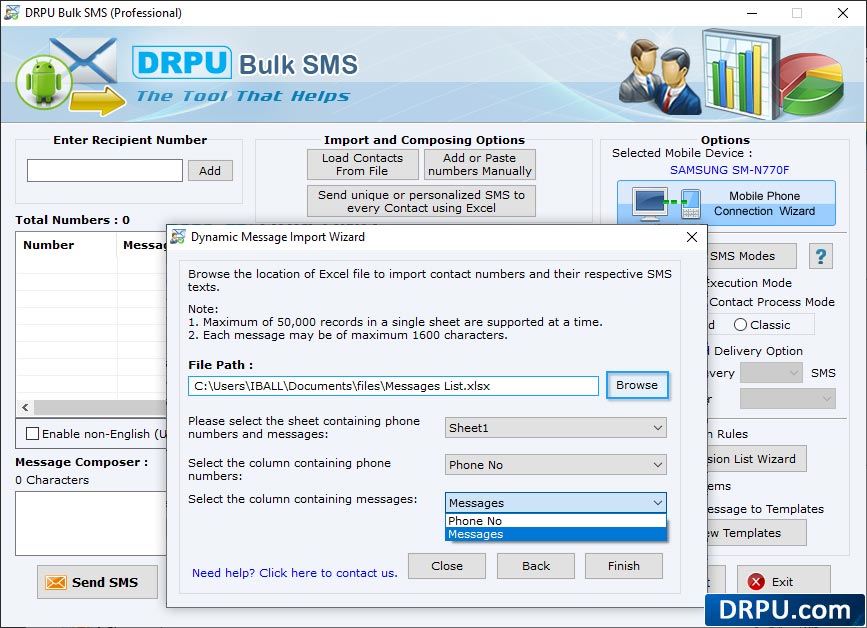
Browse the path of Excel file containing contact numbers and their respective messages. Select excel sheet, columns containing phone numbers and column containing messages then click 'Finish' button
Select standard SMS or notification
Select standard SMS or notification to send on recipient mobile phone.
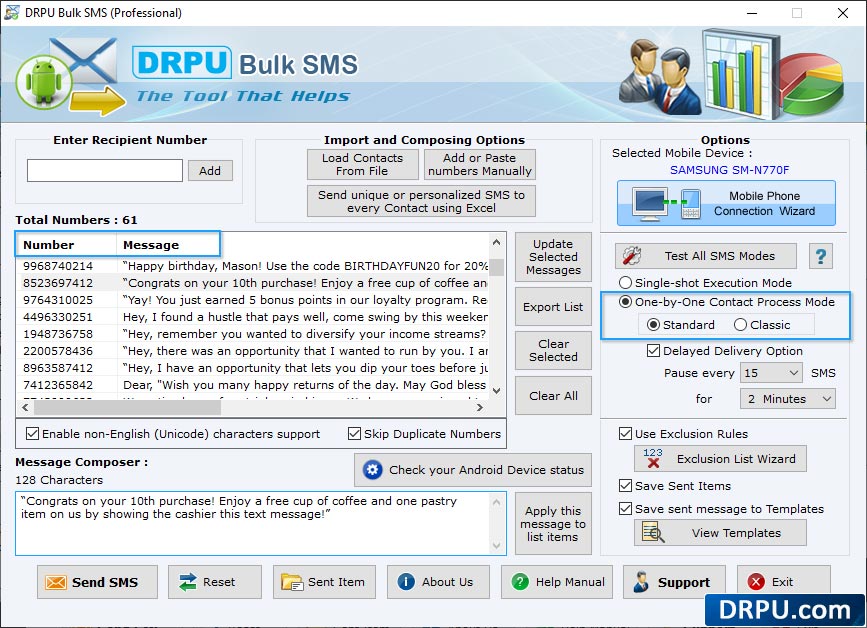
Import and composing options
Import and composing options to load contact numbers and corresponding messages to broadcast group SMS.
export select item detailes
User Can export select item detailes.